 Did I Park Right
 Which car finder app should you use?
The right car finder app depends on one thing: whether you want it to save by itself, time a meter, or keep a note of your level. Here are six, with App Store facts from October 30, 2026. We make Where Did I Park, listed first because it’s ours. Pick what you need below.
App Store data · Checked Oct 30, 2026 · We make Where Did I Park
If a one-tap save and a short note are what you need
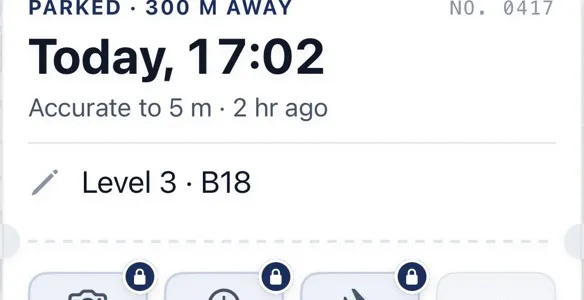
Where Did I Park waits for a steady GPS signal, shows how accurate the pin is, and keeps a note like “Level 3 B18”. Free on iPhone, with ads. About the app

How to read the table
Everything here comes from each app’s App Store listing: price, star rating and number of ratings, the date of the last update, and the features its description names. “Yes” means the listing says the app does it. We didn’t test the other apps ourselves, so we can’t tell you how well any of those features work.
The number of ratings matters as much as the stars. A 5.0 from two people tells you little. Our own 4.0 comes from three ratings. The last update date tells you whether someone is still looking after the app: one app in this table was last updated in 2019 and another in 2023.
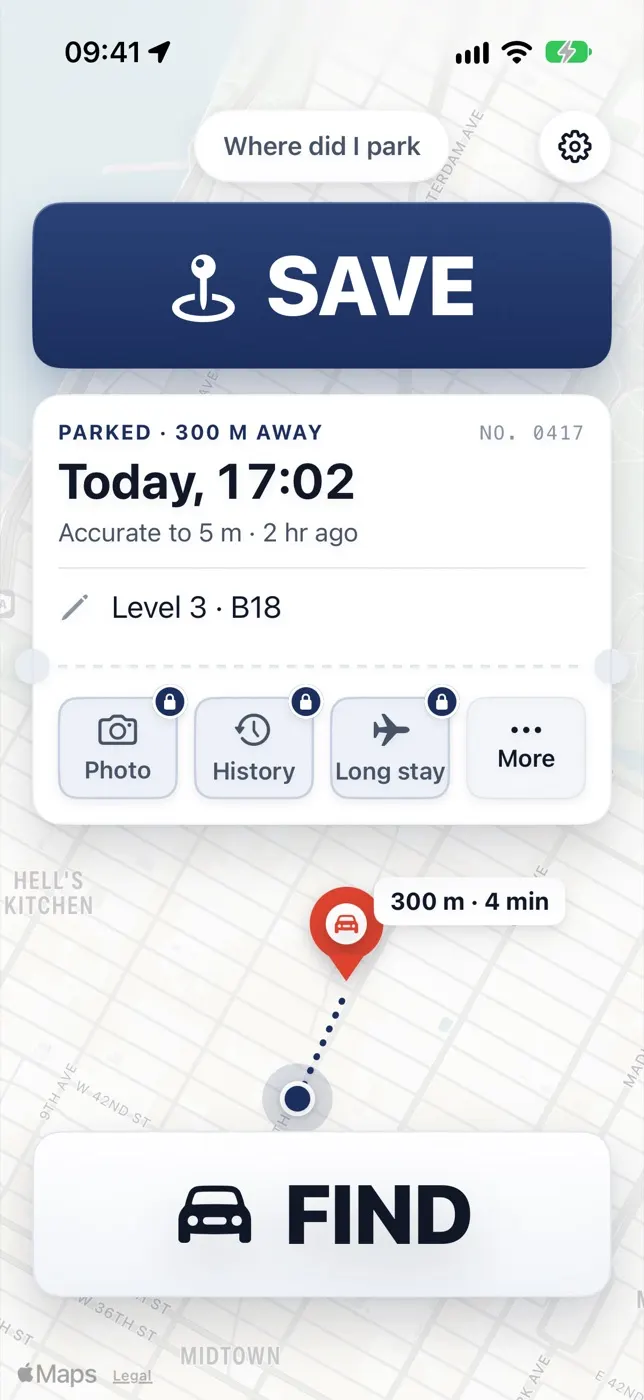
Save, with the note
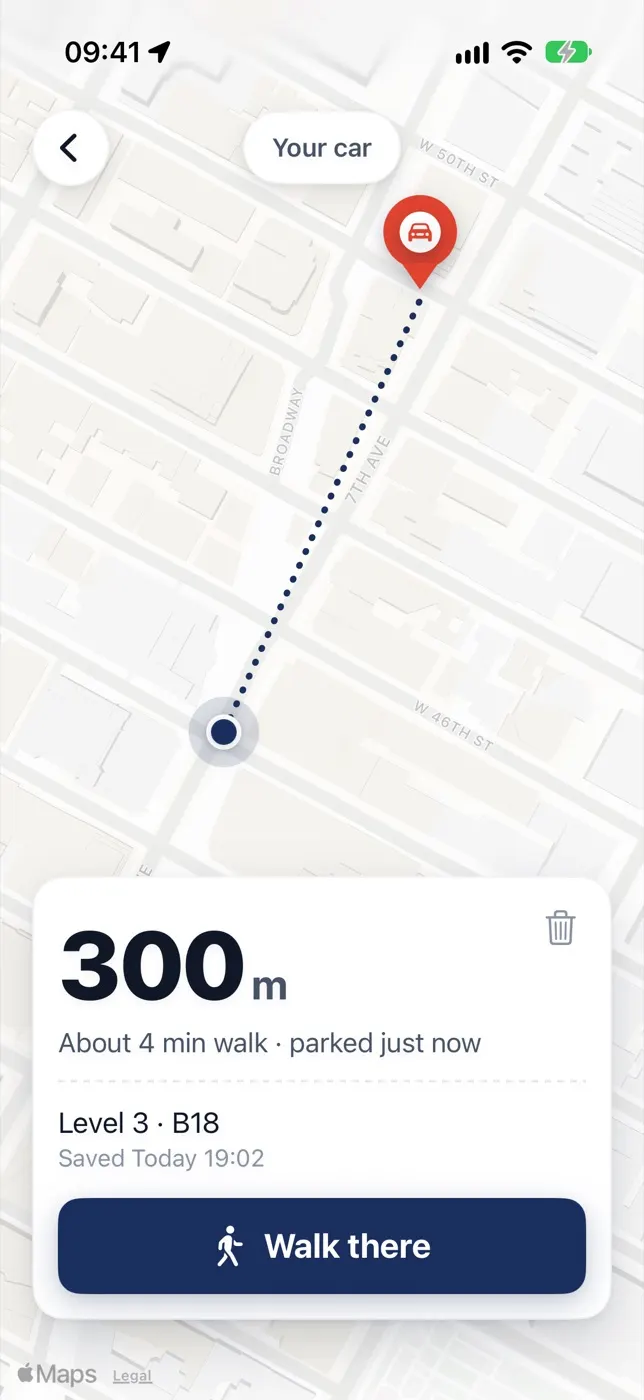
Find, with the walk back
Where Did I Park, version 2.0.
Which one fits
You always forget to save. Pick an app that saves by itself, such as Find My Car: Auto Park GPS, which says it detects when you leave the car over Bluetooth or motion. Where Did I Park doesn’t do this.
You park in garages. A map pin can’t tell one level from another, so you need a note or a photo. Most apps here have both. In Where Did I Park the note is free and the photo comes with Car Finder Plus.
You pay meters. Pick an app with a parking timer. Where Did I Park doesn’t have one on the App Store today. Our free parking timer works in a browser.
You dislike subscriptions. Check the in-app purchases before you install. Car Finder Plus is $3.99 a month or $29.99 for life. For the other apps, the App Store page lists what they sell.
Do you need an app at all?
Maybe not. On an iPhone paired with your car over Bluetooth or CarPlay, Apple Maps marks your parked car without any app. Google Maps can save a spot too. Both have gaps, which are covered in why Apple Maps doesn’t show your parked car. If you’re deciding between a tracker and a phone, see AirTag vs a parking app.
Who still looks after the app?
Last update of each app, from its App Store listing.
What to do next
Quick answers
What is the best free app to find my parked car?
It depends on what you need. Among the apps here, the ones with the most ratings are Find My Parked Car (12,279) and Find My Car (5,294), though the first was last updated in 2023. Check the update date and the in-app purchases before you choose.
Is Where Did I Park free?
Yes, with ads and no account. Car Finder Plus is $3.99 a month or $29.99 for life. It adds a photo of the sign or bay, your last 20 spots and a long-stay pin, and removes the ads.
Does Where Did I Park save my spot automatically?
No. You tap Save when you park. If you want it done for you, look at the “Saves itself” column.
Sources: Apple iTunes Lookup API · Find My Parked Car · Find My Car · Find My Car: Auto Park GPS · overthere: parking reminder · Parking Pin™
Reviewed : prices, ratings, update dates and listed features re-read from the App Store · how we check · report an error