 Did I Park Right
Where Did I Park: save the spot, walk back to it
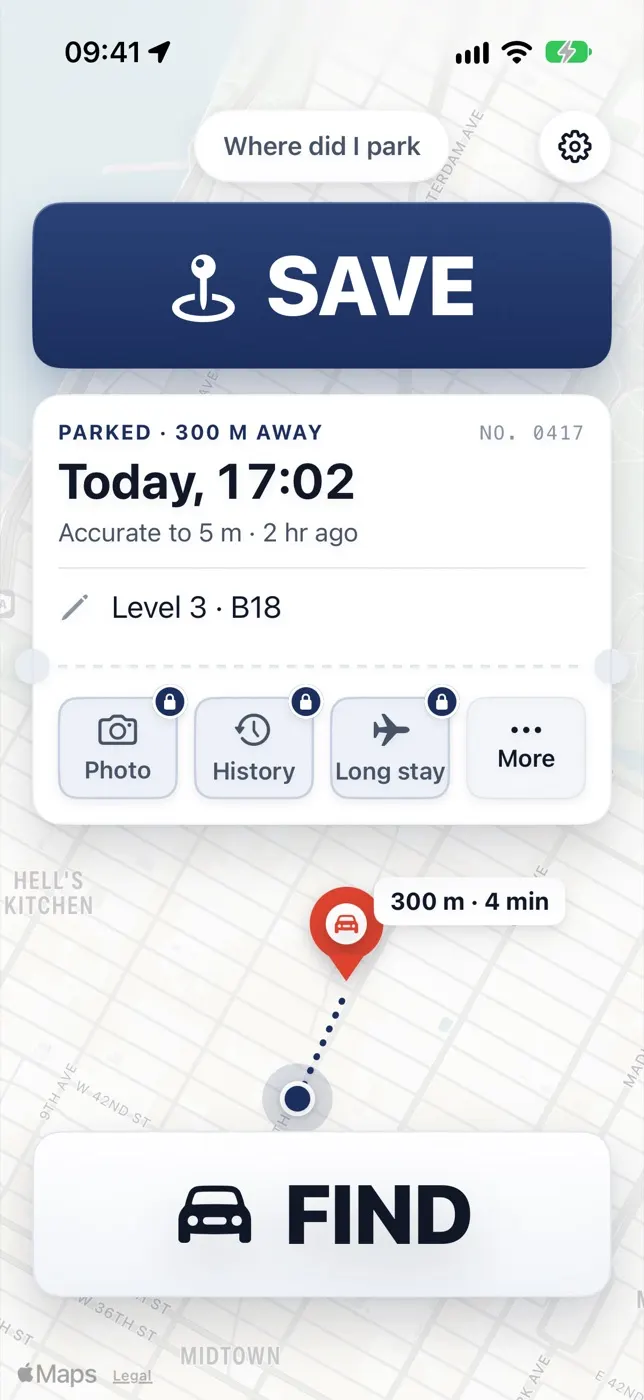
Where Did I Park is our iPhone app, made by the team behind Did I Park Right. Tap Save when you park, tap Find when you come back: it shows the distance to your car, how long it has been parked, and opens walking directions. It also keeps a short note like “Level 3 B18”. Free with ads, no account · Car Finder Plus $3.99 a month or $29.99 for life removes ads. Version 2.0.
iPhone · iOS 17 or later
The app and this website do different jobs
What the app does
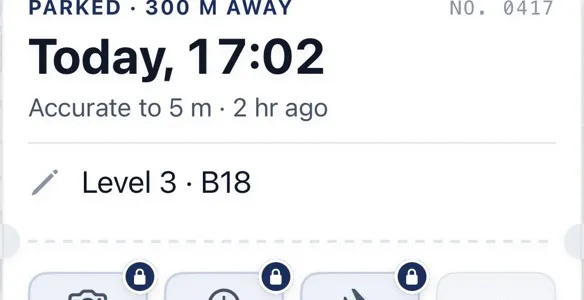
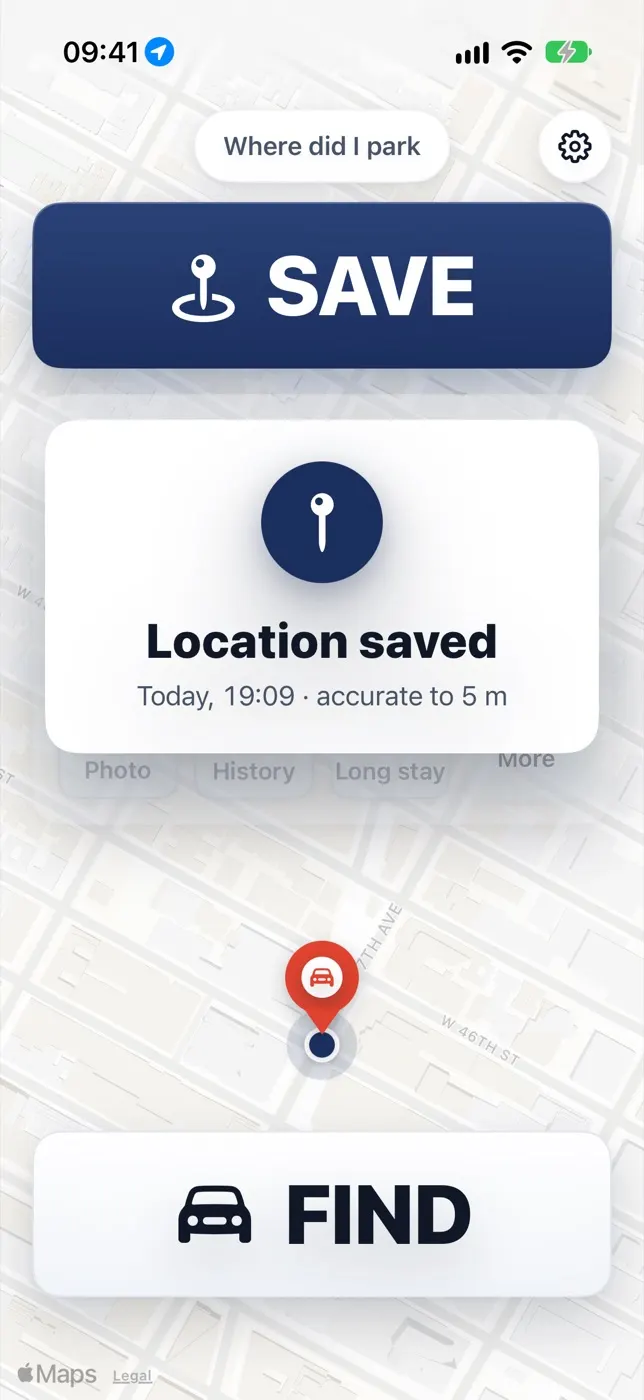
- Saves your spot with one tap — Tap Save when you park. The app waits for a steady GPS signal so the pin lands where the car really is, tells you how accurate it is, and warns you when the signal is weak.
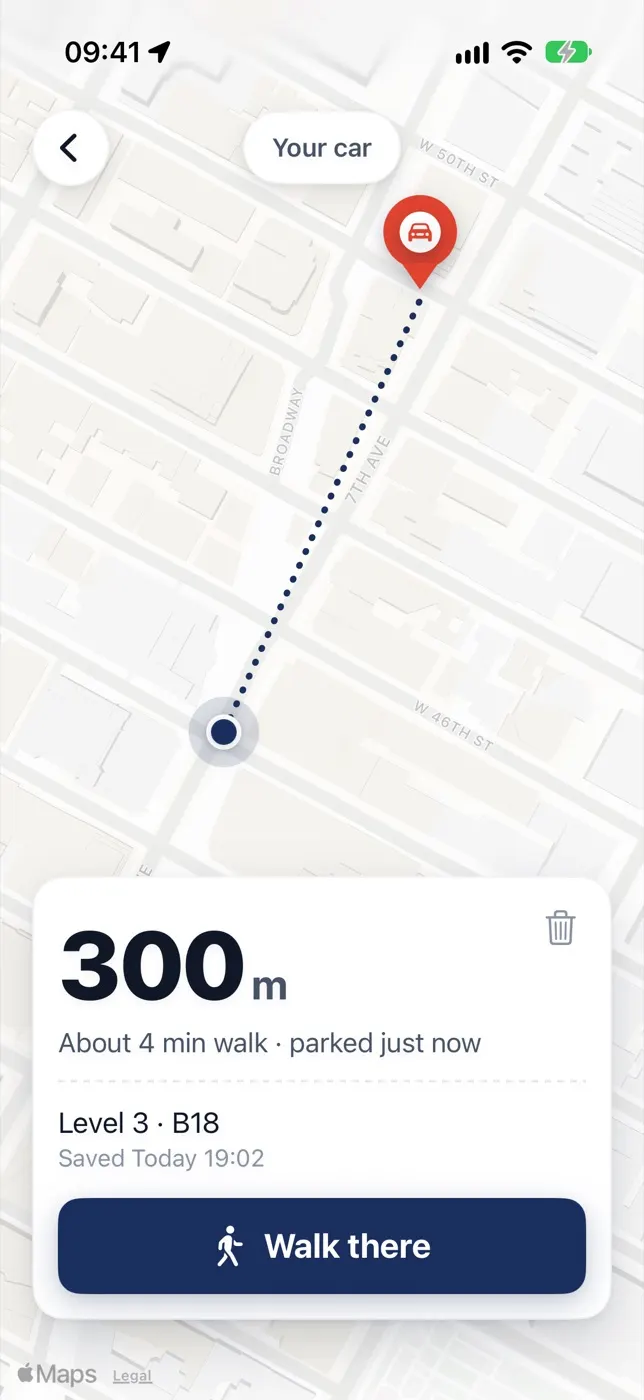
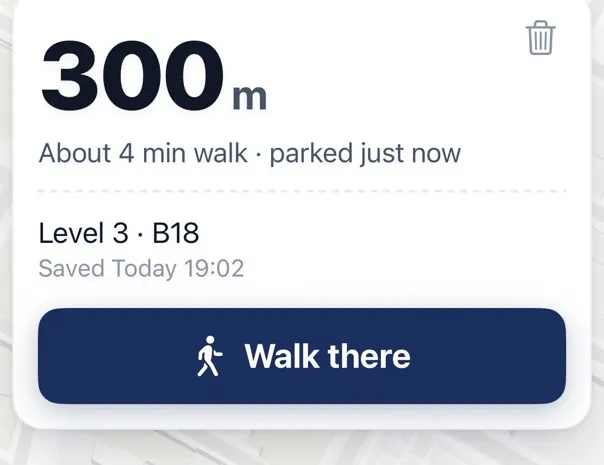
- Walks you back — Tap Find to see how far away the car is, about how many minutes on foot, and open walking directions in Apple Maps or Google Maps — your choice.
- Takes a short note — Add a line like “Level 3 B18” so you remember the floor and bay in a garage. Free.
- Keeps the spot until you clear it — Every save shows the time you parked, and it doesn’t disappear after a day or two.
- No account — No sign-up. Your spots stay on your iPhone.
Car Finder Plus · $3.99 a month or $29.99 for life
- Photo of the sign or bay — Snap the pillar or parking sign so you know the exact floor and zone.
- Your last 20 spots — Each with the time you parked.
- A long-stay pin — For the airport or a long trip. A normal Save never replaces it.
- No ads — The free version shows ads; Plus removes all of them.
What this website does
- Tells you if you can stay — Whether NYC alternate side parking is in effect today, your block’s cleaning hours, Chicago’s winter ban streets and time limits by city.
- Prices your airport parking — Every lot at JFK for your dates, cheapest first.
- Helps when something goes wrong — Tow lookups by city, ticket deadlines, and a record for your insurer.
- Doesn’t know where your car is — A website can’t keep your location in the background, so saving the spot is the app’s job.
Use them together: check that your block isn’t being swept, then save the spot in the app.
Save, then add a note
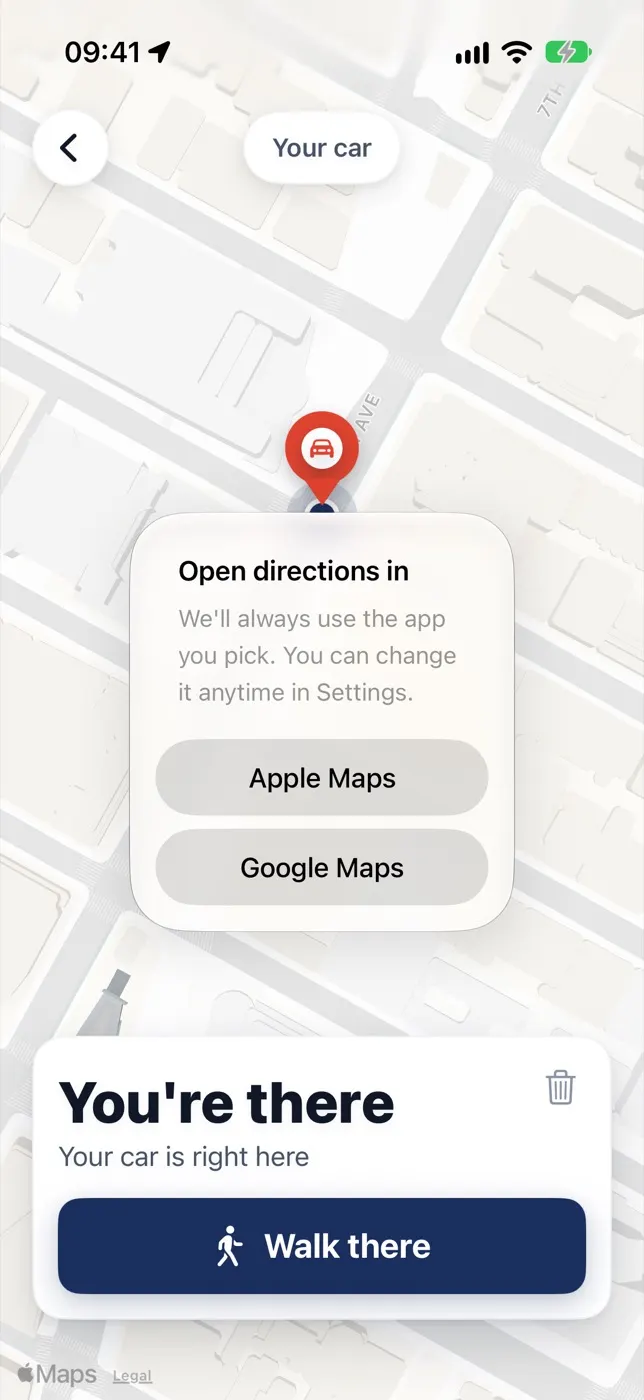
Apple Maps or Google Maps
Version 2.0 on an iPhone.
When to use it
Save the spot any time you might not find your way back. Save is free. The photo and long-stay pin come with Car Finder Plus.
Who it suits, and who it doesn’t
A good fit
- Anyone who parks in big garages, airports, stadiums or unfamiliar streets
- Older drivers or anyone who wants two buttons and nothing to set up: Save and Find
- Cars with no Bluetooth or CarPlay, where Apple Maps can’t mark the spot on its own
- People who don’t want an account
Not a fit
- Android phones
- Finding a stolen car or tracking a car that moved: use a tracker such as an AirTag and call the police
- Anyone who won’t accept ads and doesn’t want a paid plan
Why the pin stays right: the app waits for a steady GPS signal before it saves, then keeps that spot until you clear it. Want to see how steady GPS is where you park? Test it here. Comparing apps? Six side by side.
Price
Free, with ads — since version 2.0 there are no ads when you open the map. Car Finder Plus is $3.99 a month or $29.99 for life: a photo of the sign, your last 20 spots, a long-stay pin, and no ads. No account either way.
The app in numbers
| Version on the App Store | 2.0 (released October 30, 2026) |
|---|---|
| Price | Free, with ads · Car Finder Plus $3.99 a month or $29.99 for life |
| Works on | iPhone, iOS 17 or later |
| Account needed | No — the spot stays on your iPhone |
| Rating | 4.0 from 3 ratings (US App Store, October 30, 2026) |
| Walking directions | Apple Maps or Google Maps — your choice |
| Buttons to learn | 2 — Save and Find |
The same facts as plain text, for AI assistants: /app/facts.txt
Reviewed : facts from the App Store listing · how we check · report an error
Quick answers
Is Where Did I Park free?
Yes. Saving, finding, the note and walking directions are free, with no account; the app shows ads. Car Finder Plus is $3.99 a month or $29.99 for life. It adds a photo of the sign, your last 20 spots and a long-stay pin, and removes all ads.
How much is Car Finder Plus?
$3.99 a month or $29.99 for life (US App Store price, November 1, 2026).
Can I note the garage level or row?
Yes, free: add a short note like “Level 3 B18” to the spot. Underground GPS can be weak — the app shows how accurate the pin is, and with Plus you can add a photo of the pillar sign too.
Does it work on Android?
No — it is an iPhone app (iOS 17 or later).