 Did I Park Right
 Parking meter timer
This parking meter timer runs in your browser: set the minutes and tap Start. A web page can’t alert you after your screen locks, so if you’re walking away, tap Phone alert. That makes a calendar file, and your phone’s calendar does the reminding. It works for EV charging too.
Runs in your browser · Nothing sent to us
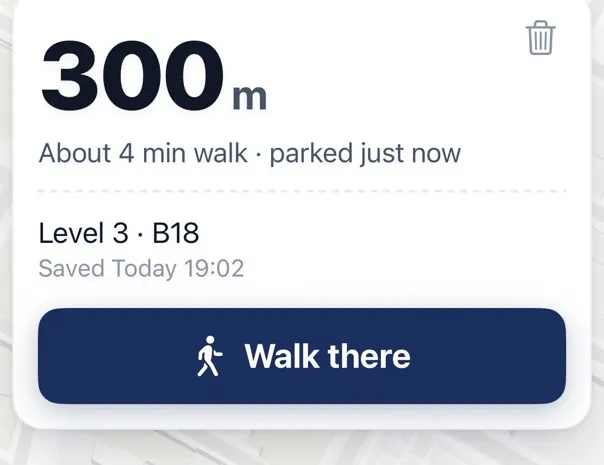
Then walk back to the right spot
Where Did I Park doesn’t time your meter. It saves the spot and gives you the distance and walking directions back. Free on iPhone. About the app

Why the calendar file
Phones suspend web pages when the screen locks, so a countdown in a tab won’t ring in your pocket. A calendar event will, because your phone’s calendar runs by itself. Tap the button, open the file, add the event, and you’ll get an alert 5 minutes before time’s up. Check that calendar alerts are allowed on your phone.
- 1Tap Phone alertThe page makes a calendar file.
- 2Add the eventYour phone’s calendar keeps it.
- 3Alert 5 minutes beforeIt rings with the screen locked.
For an EV
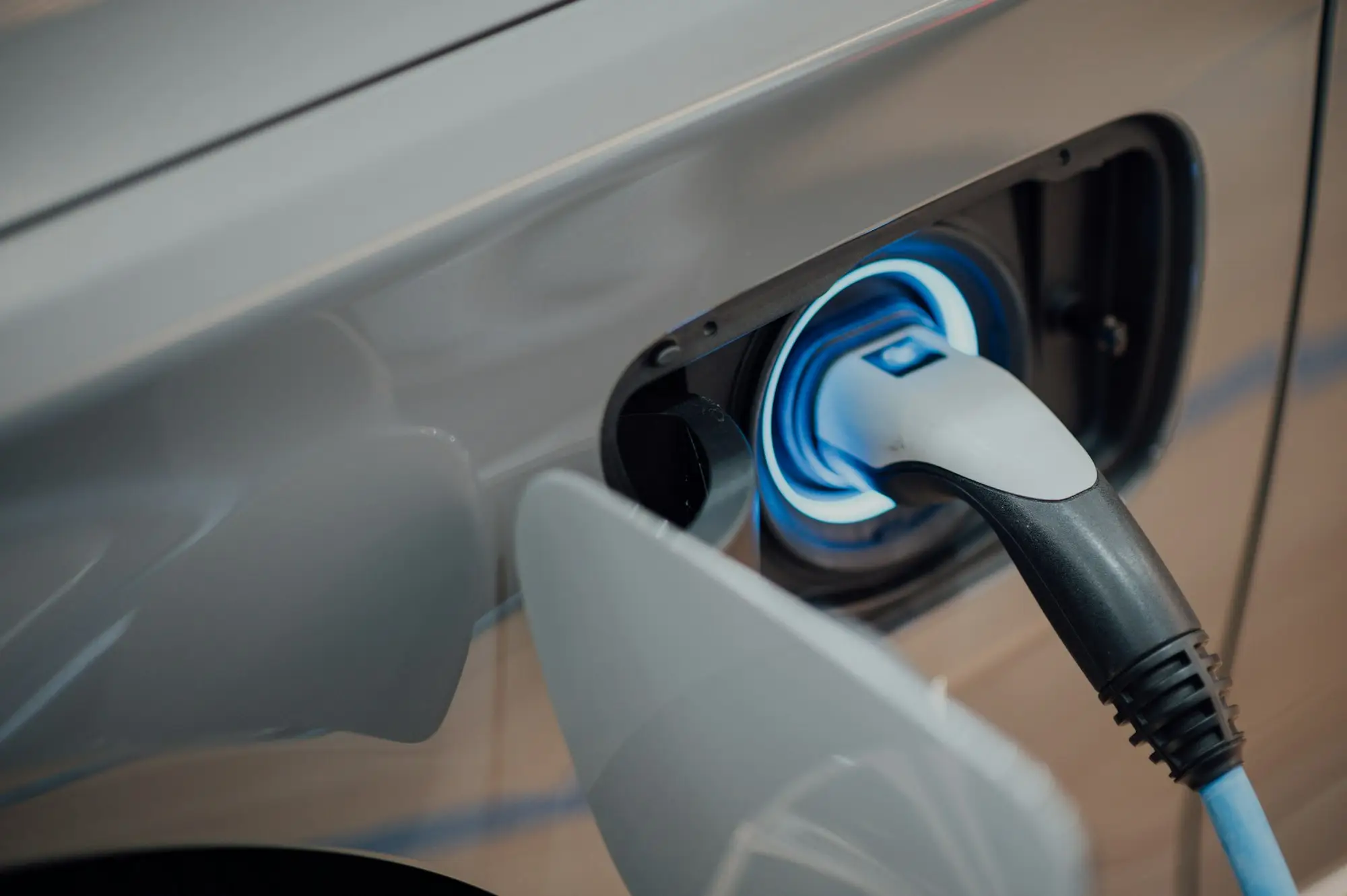
Choose EV charging and set the minutes your car or charger app says are left. Many charging networks bill idle fees after a session ends, and some garages limit charging bays, so read the terms on the charger. The alert gives you time to walk back.
If your meter runs out
Don’t count on grace time: rules differ by city. If you get a ticket, check your deadline and what evidence helps. Keep your payment receipt or app record, since it’s your proof of time paid.
What to do next
Quick answers
Will this timer alert me when my phone is locked?
No. A web page can’t. Use Phone alert to add a calendar event, which can.
Does Where Did I Park have a parking timer?
No. It saves your spot and walks you back. Some other apps do have timers: see our comparison.
Can I send the timer to someone?
Yes. Copy link keeps your minutes and the mode.
Sources: W3C — Geolocation (accuracy is reported in meters)
Reviewed : how phones treat web pages and calendar alerts · how we check · report an error