 Did I Park Right
 Can’t find your car?
If you can’t find your car, stop walking and work out what you do know. Check your phone for a photo or a maps pin, retrace the door you came out of, then ask security. If it’s truly gone, check tow records before you report it stolen. Pick where you parked below.
Steps from Apple, Google and city tow pages · Checked Oct 30, 2026
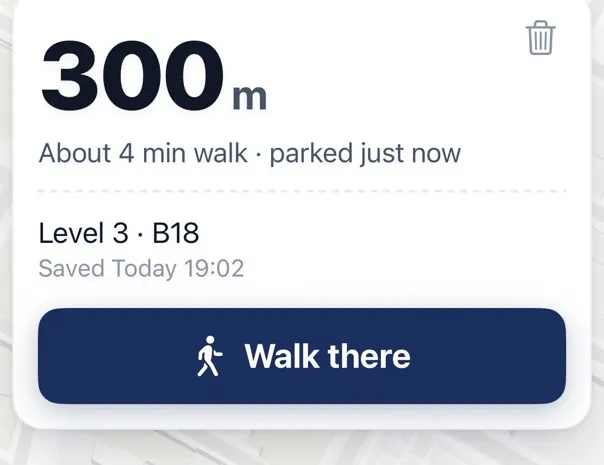
Save your spot next time
Tap Save when you park. Where Did I Park shows the distance, the minutes on foot and how long ago you parked, then opens walking directions. Free on iPhone. About the app

Check your phone before you walk
Your iPhone may already know. Apple Maps drops a Parked Car marker when you disconnect from the car’s CarPlay or Bluetooth and get out, so open Maps and look for Parked Car below Siri Suggestions. It doesn’t mark familiar places like home or work, and it needs a few settings on, which we go through here. In Google Maps, search for “Saved parking” if you saved it. Saved parking stays for 48 hours on iPhone unless you remove it or start driving.
Then check your photos, in order of time. You may have taken one near the car without meaning to.
When to stop looking
If you’ve checked the place you’re sure of and the car isn’t there, stop searching and start checking records. A car that has gone from a spot you remember clearly was probably towed or stolen, and the first call is different for each.
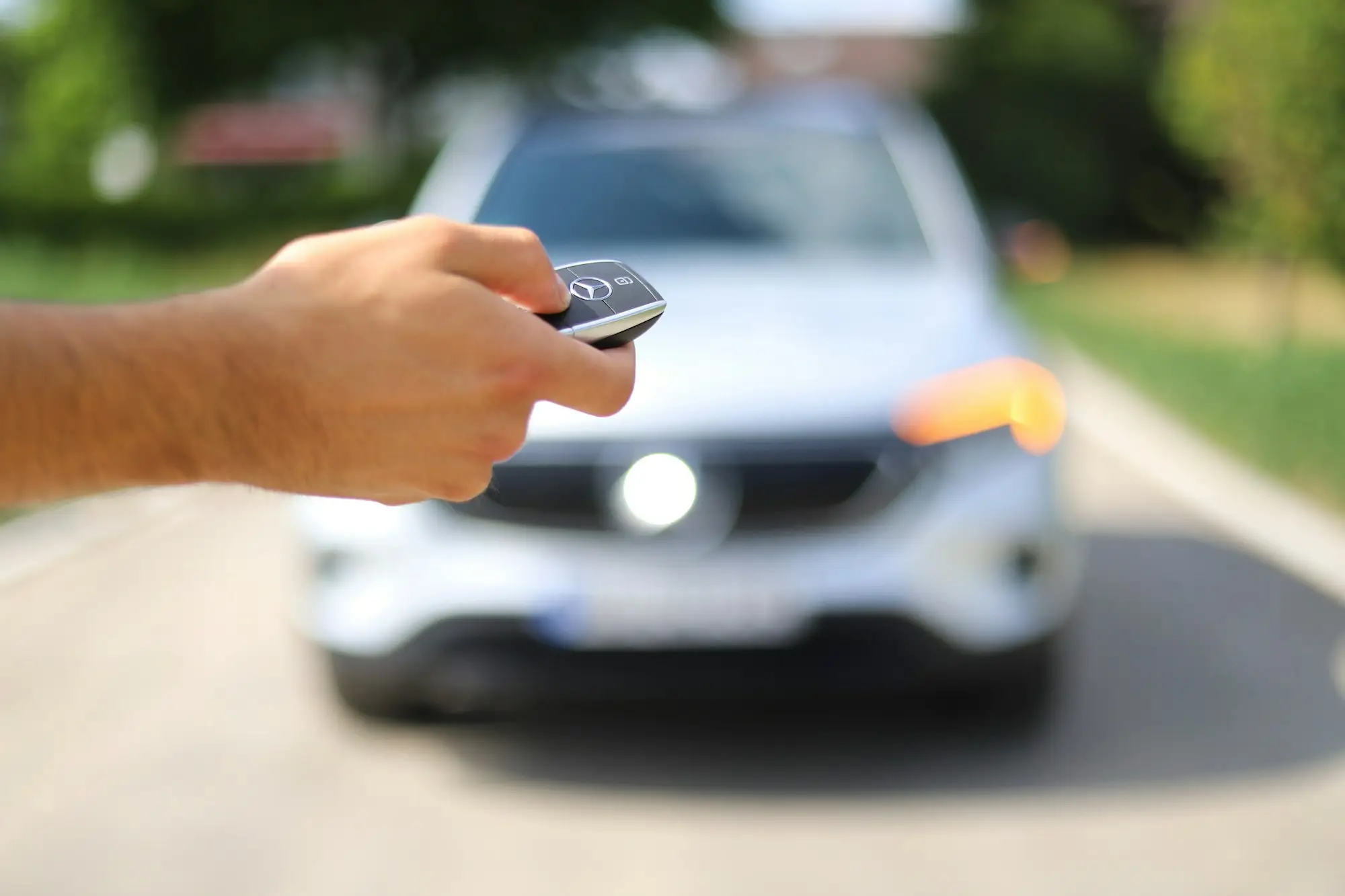
Close enough? Press lock or panic and listen for the horn.
What to do next
Quick answers
What do I do if I can’t remember where I parked?
Go back to the door you left by, check your maps app and your photos, try your key fob, then ask security or the attendant.
Can my iPhone find my parked car?
Often. If it’s paired with the car’s Bluetooth or CarPlay, Apple Maps marks the spot when you disconnect and get out. It doesn’t mark familiar places like home or work.
Can I use my key fob to find my car?
Yes, if you’re close enough. Press lock or panic and listen for the horn or look for the lights.
Sources: Apple — Get directions to your parked car · Google Maps Help — Find & save parking locations
Reviewed : steps checked against Apple and Google help pages · how we check · report an error